ServicesTasks
The to-do side of the work, inside a project or standing alone.
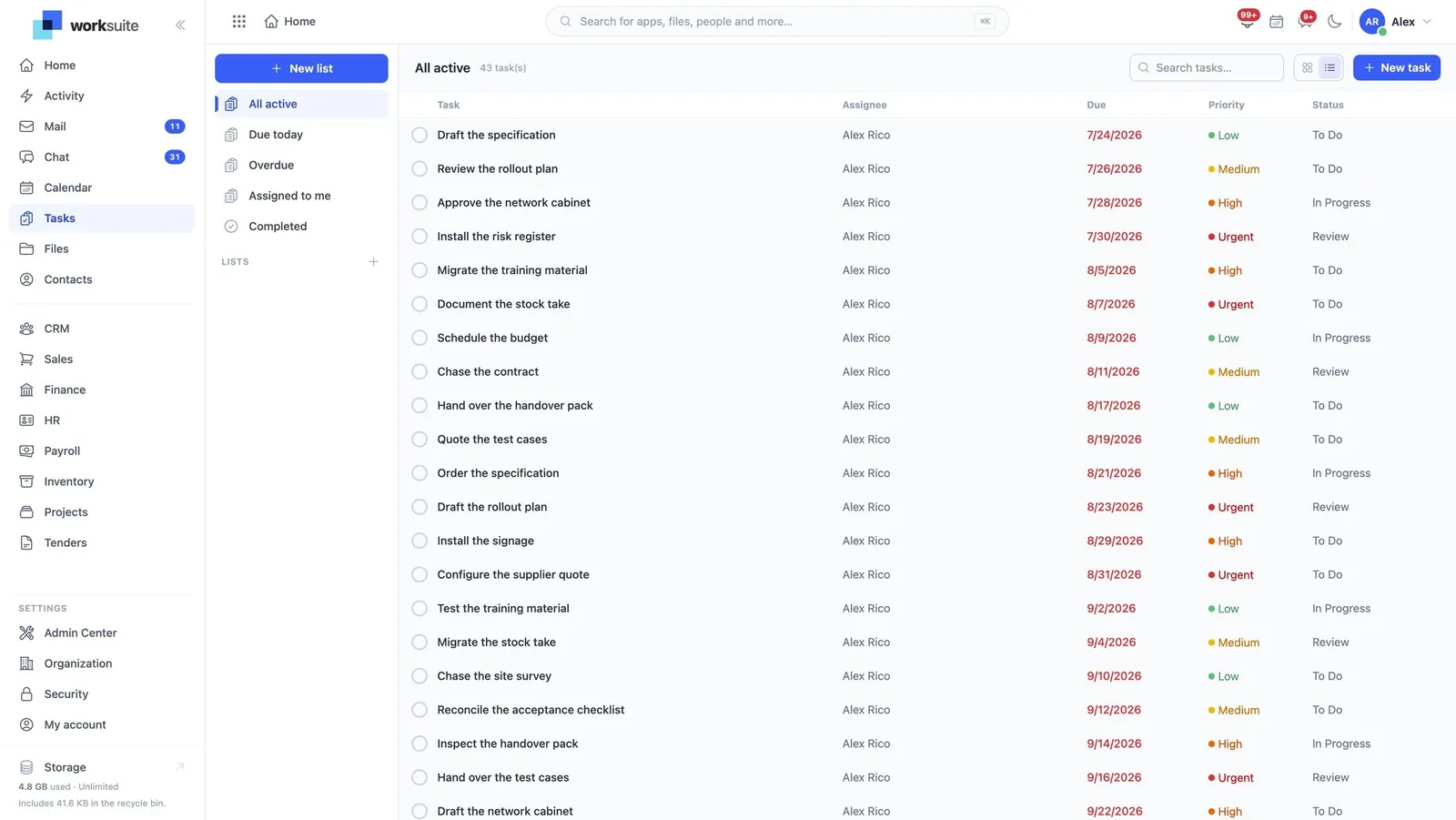
Tasks is the to-do side of the work: an owner, a due day, a state — inside a project or standing entirely alone. It is the module most people touch most often.
Read the user guide tasks
What it does
Tasks, in the product’s own words
- Tasks with an owner, a due day and a state
- Attached to a project, or not
- Visible on the calendar alongside everything else
Before you start
What has to be in place
- Nothing. Tasks works on its own, which is deliberate — the first thing a new installation can usefully do.
In the user guide
3 tasks, explained
- 01Give a task an owner, a day and a state
- 02Attach a task to a project, or do not
- 03See tasks on the calendar
Worth knowing
- A task’s due date is a day, not an instant. It means that day where the reader is, which is the behaviour people expect and the reason a task is not a meeting.
Works with
The same records, not a sync
More in Services
All of ServicesProjectsDelivery work with a budget and a record of time spent.AMC & ServiceAnnual maintenance contracts, the equipment they cover and the visits they entitle.HelpdeskTickets from customers, and the knowledge base that answers them.AppointmentsBooked time with a provider, a room and a service — through to checkout.