ProductivityDocuments & Office
Templates that produce paperwork, and editing in the browser.
Documents & Office is the paperwork half of productivity: templates that produce documents, the branding and numbering they carry, the signatures stamped into them, and Word, Excel and PowerPoint editing in the browser.
Read the user guide docs
What it does
Documents & Office, in the product’s own words
- Templates designed and published
- Documents generated from a template
- Letterheads, brand assets and document numbering
- Signatures requested and stamped in
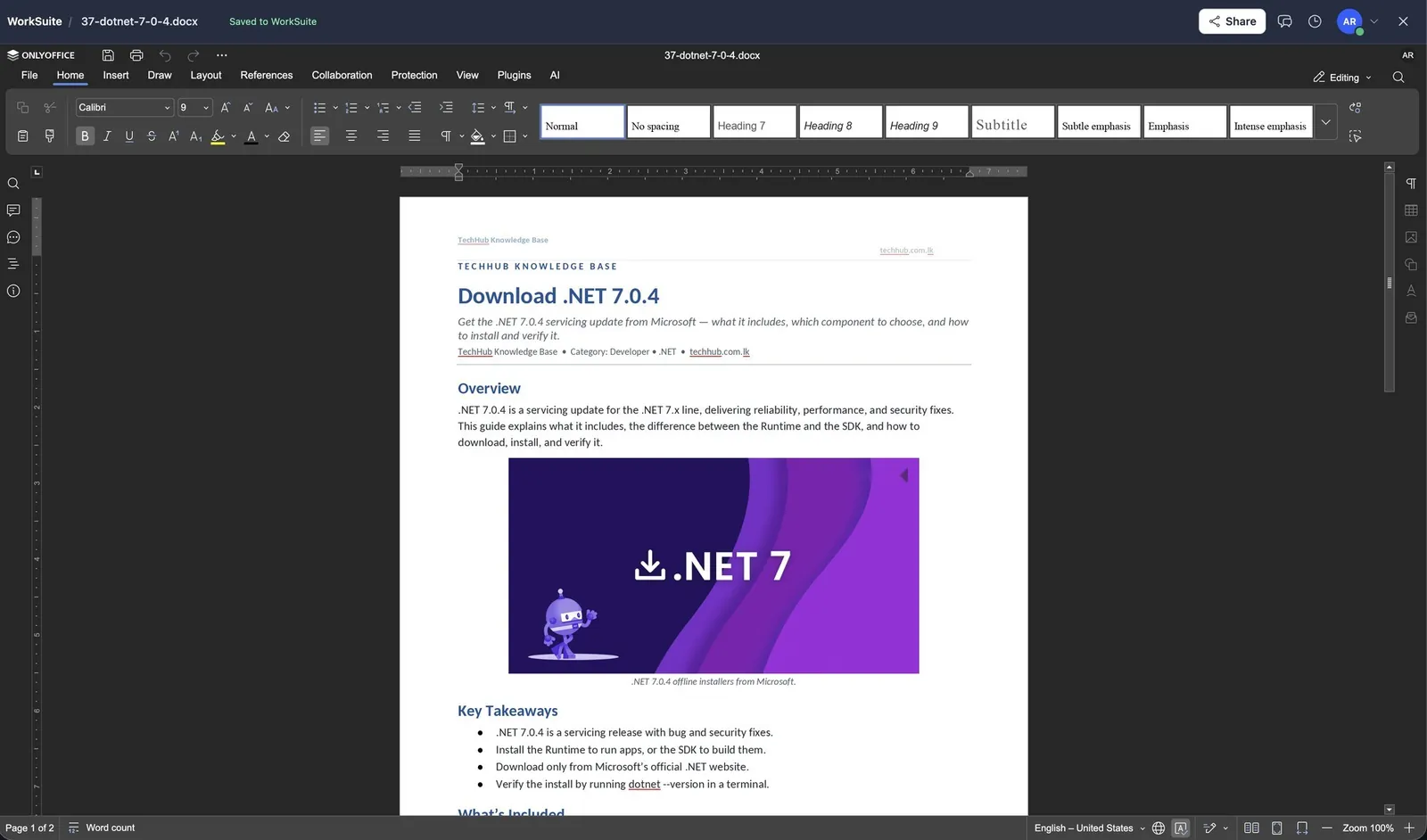
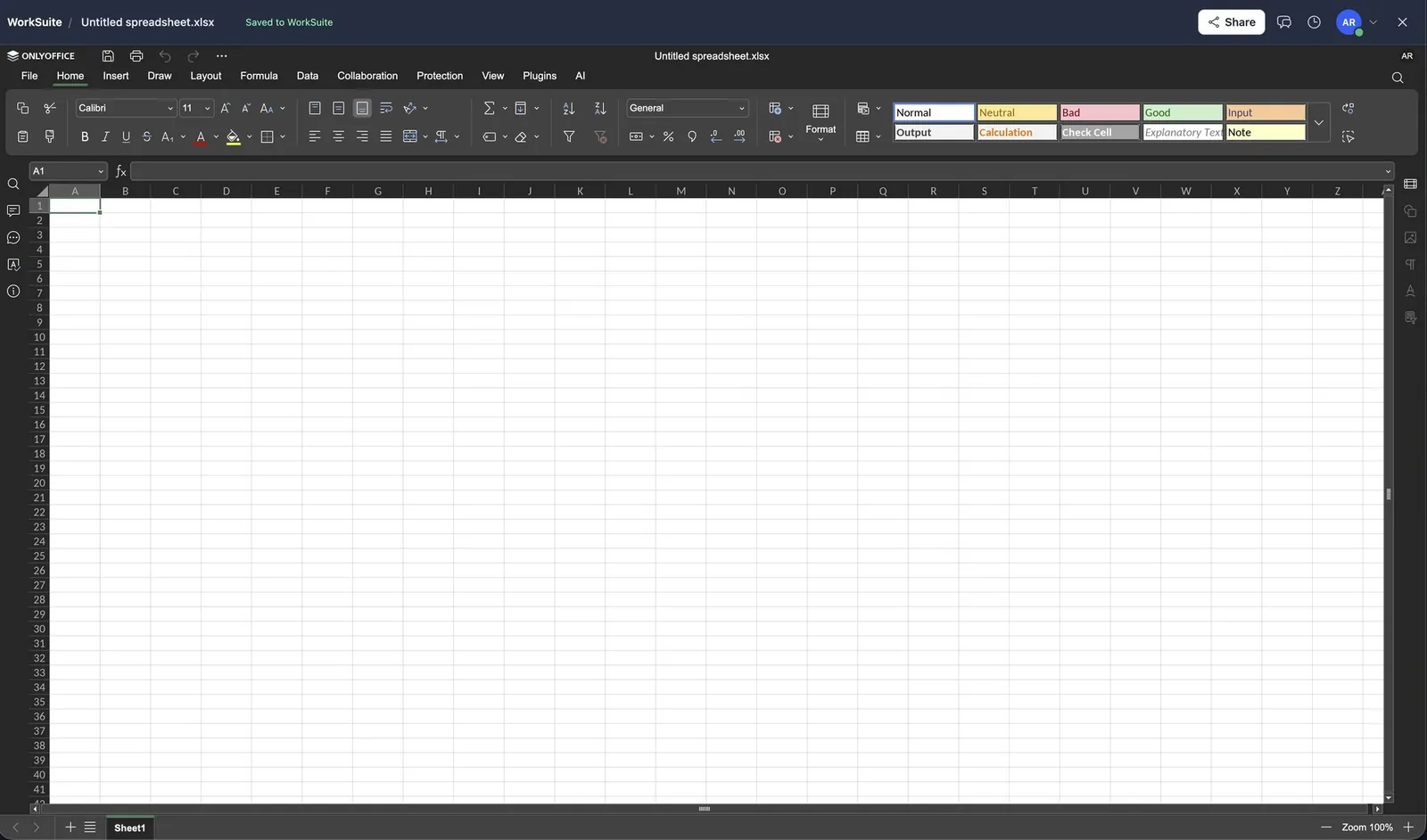
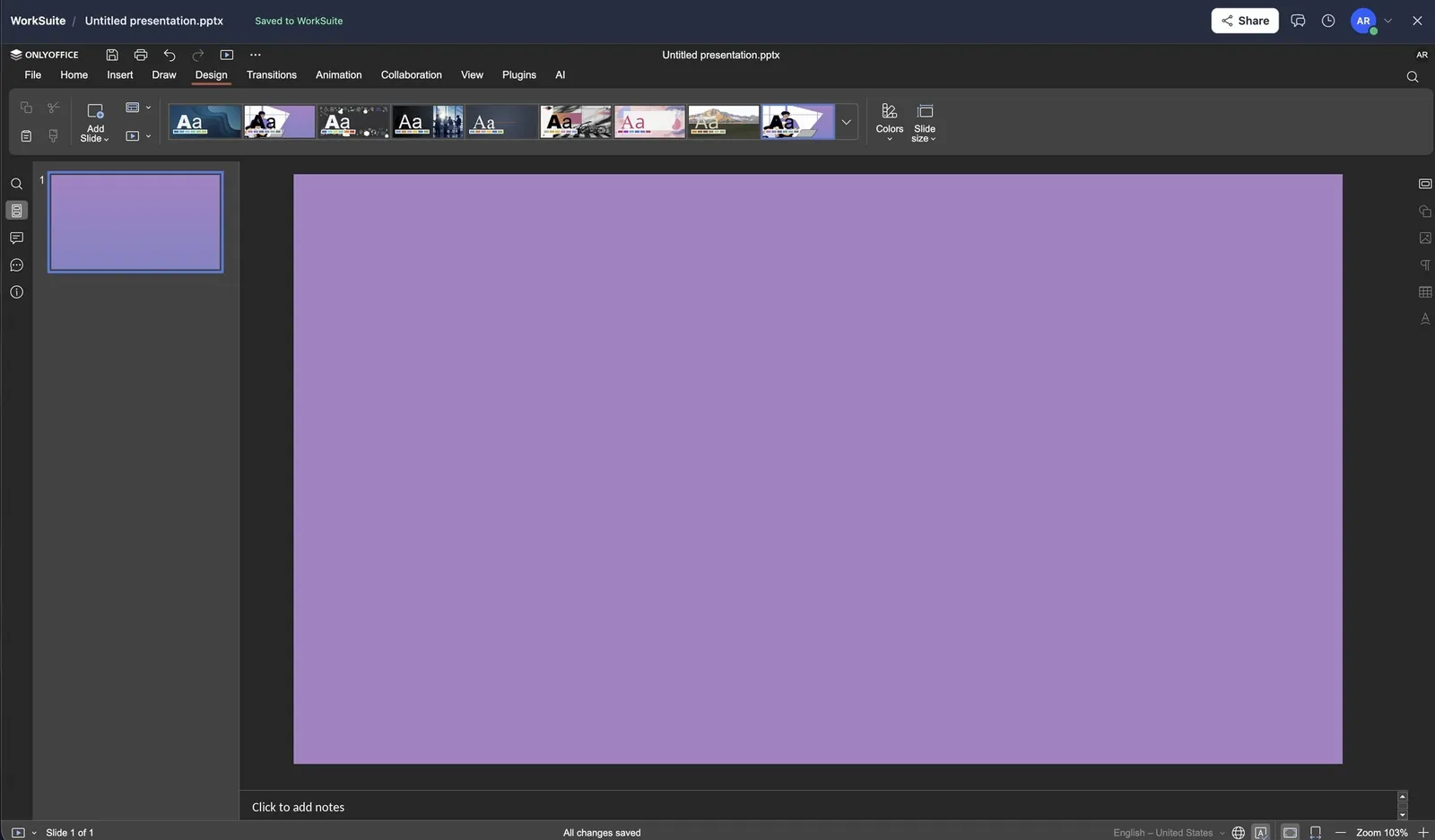
- Word, Excel and PowerPoint files edited in place via a Document Server
Before you start
What has to be in place
- Letterheads, brand assets and a numbering scheme — decided once, before the first document goes out carrying the wrong one.
- A Document Server, if Office files are to be edited in place.
In the user guide
5 tasks, explained
- 01Design and publish a template
- 02Generate a document from a template
- 03Apply letterheads, brand assets and numbering
- 04Request and stamp signatures
- 05Edit Office files in place
More of Documents & Office
Works with
The same records, not a sync
Industries that start with it
Switched on from day one
More in Productivity
All of ProductivityDriveFile storage with sharing that is actually enforced — 15 permissions.CalendarOne diary for the meetings, the tasks and the events.DiagramsWhiteboards and drawings kept with everything else.AI AssistantAssistants trained on your own material.SharingOne set of rules for getting a record out of the system.