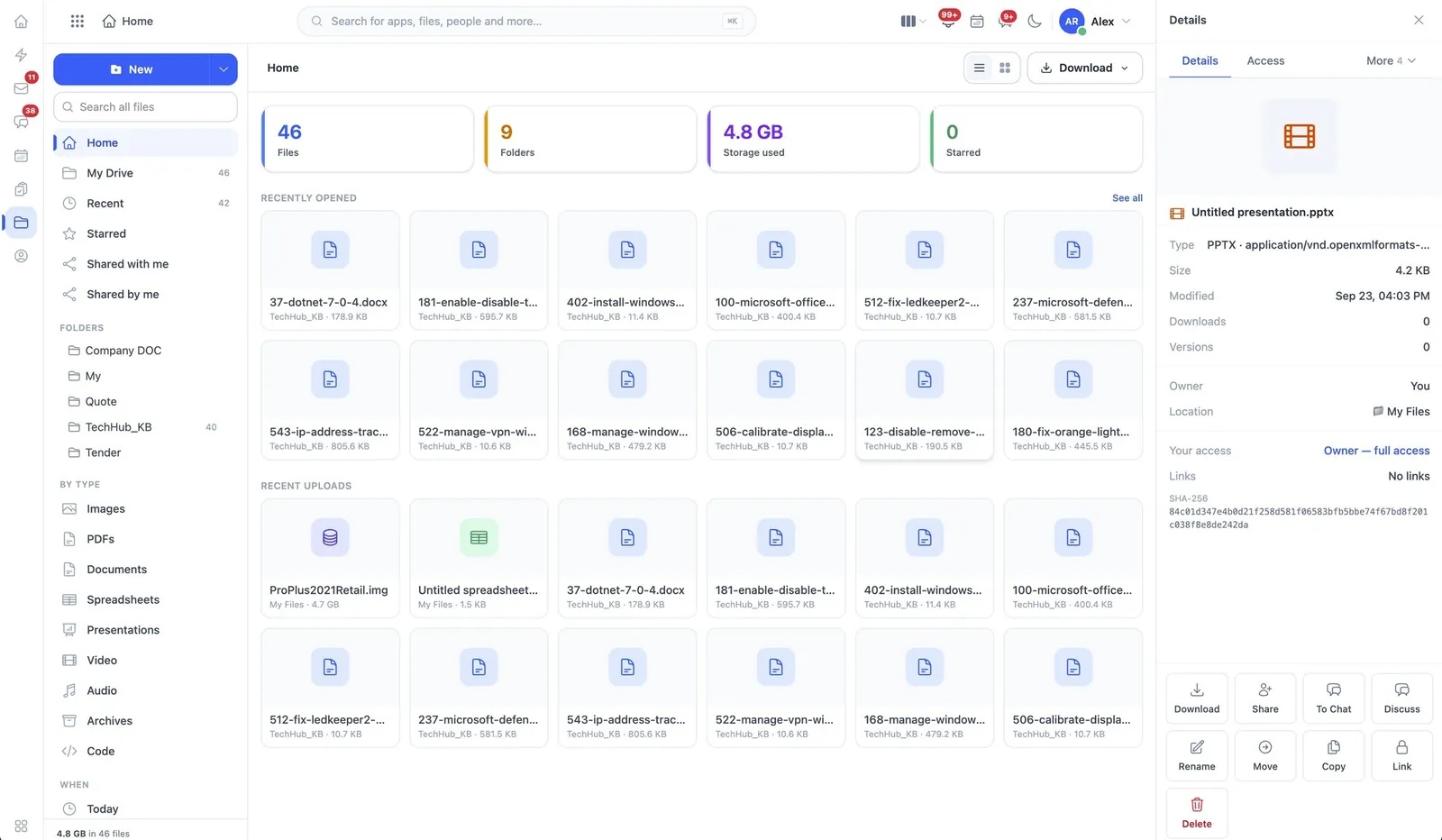
- Create, upload, version, rename, move and delete
- Share with people, teams and companies
- Change and revoke other people’s access
- Comments, replies and mentions on files and folders
- A recycle bin items are restored from
- Send files and comments straight into Chat
- Download governed separately from viewing
Category 08 · 5 apps
Productivity
Files, paperwork, drawings and an assistant — kept with everything else.
02
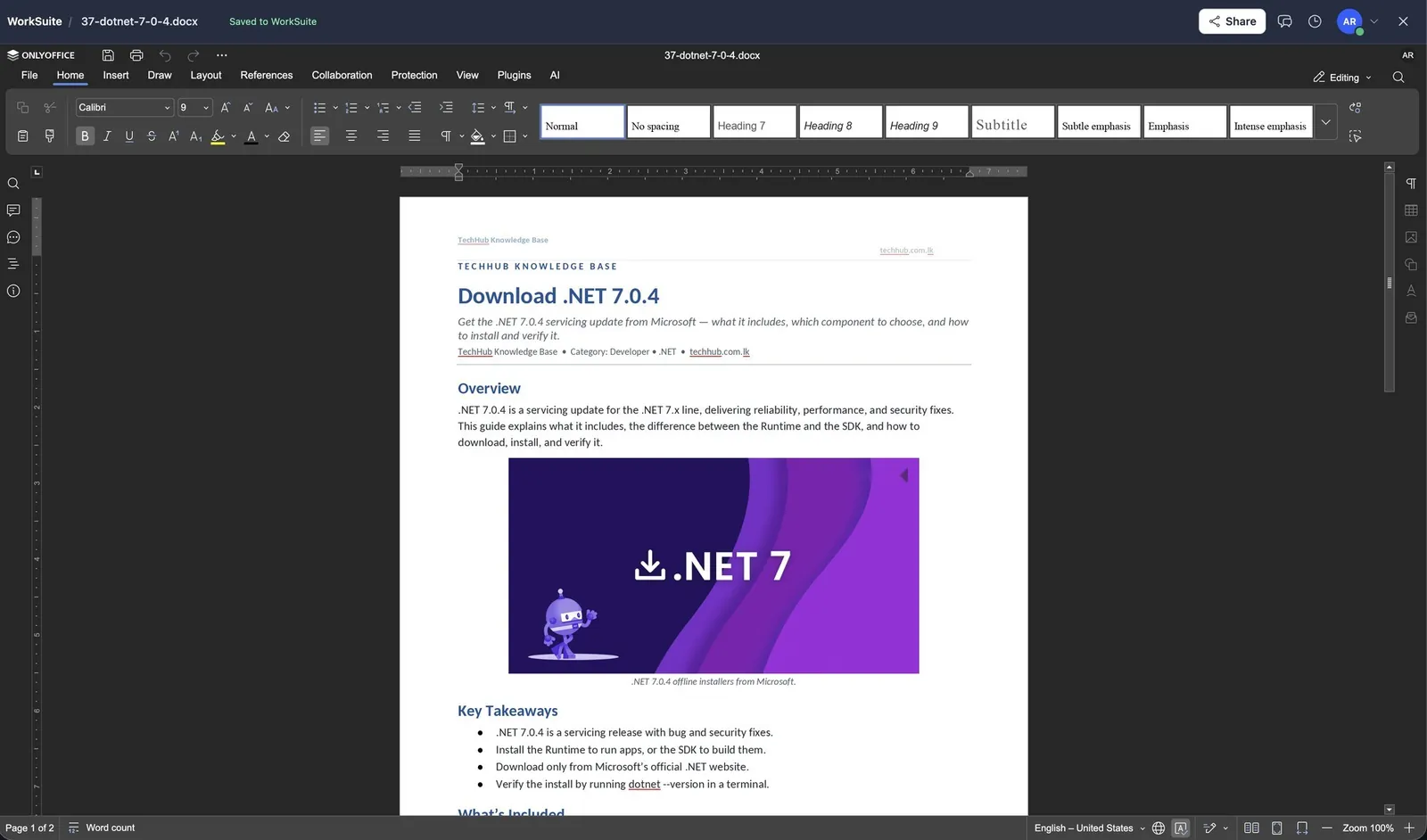
Documents & Office
Templates that produce paperwork, and editing in the browser.
docs- Templates designed and published
- Documents generated from a template
- Letterheads, brand assets and document numbering
- Signatures requested and stamped in
- Word, Excel and PowerPoint files edited in place via a Document Server
03
Diagrams
Whiteboards and drawings kept with everything else.
diagram- Diagrams and whiteboards created and edited
- Shared, with view links issued
- Comments from the people who can read them
- Exported and downloaded
- Shared templates published centrally
04
AI Assistant
Assistants trained on your own material.
ai- Assistants created, viewed and managed
- Knowledge bases trained
- A writing assistant available in the editors
- A playground for trying prompts
- Usage and — separately — everyone’s conversations
05
Sharing
One set of rules for getting a record out of the system.
share- Print, email or download a record
- Create a shareable link
- Share in chat or send on WhatsApp
- Copy record details
- Each route its own permission, so “view” never implies “send out”
See productivity running
The demo installation has representative data in every app, so you can follow a record from one end of the suite to the other.