FinanceExpenses
What staff spend, what it is charged to, and who agreed to it.
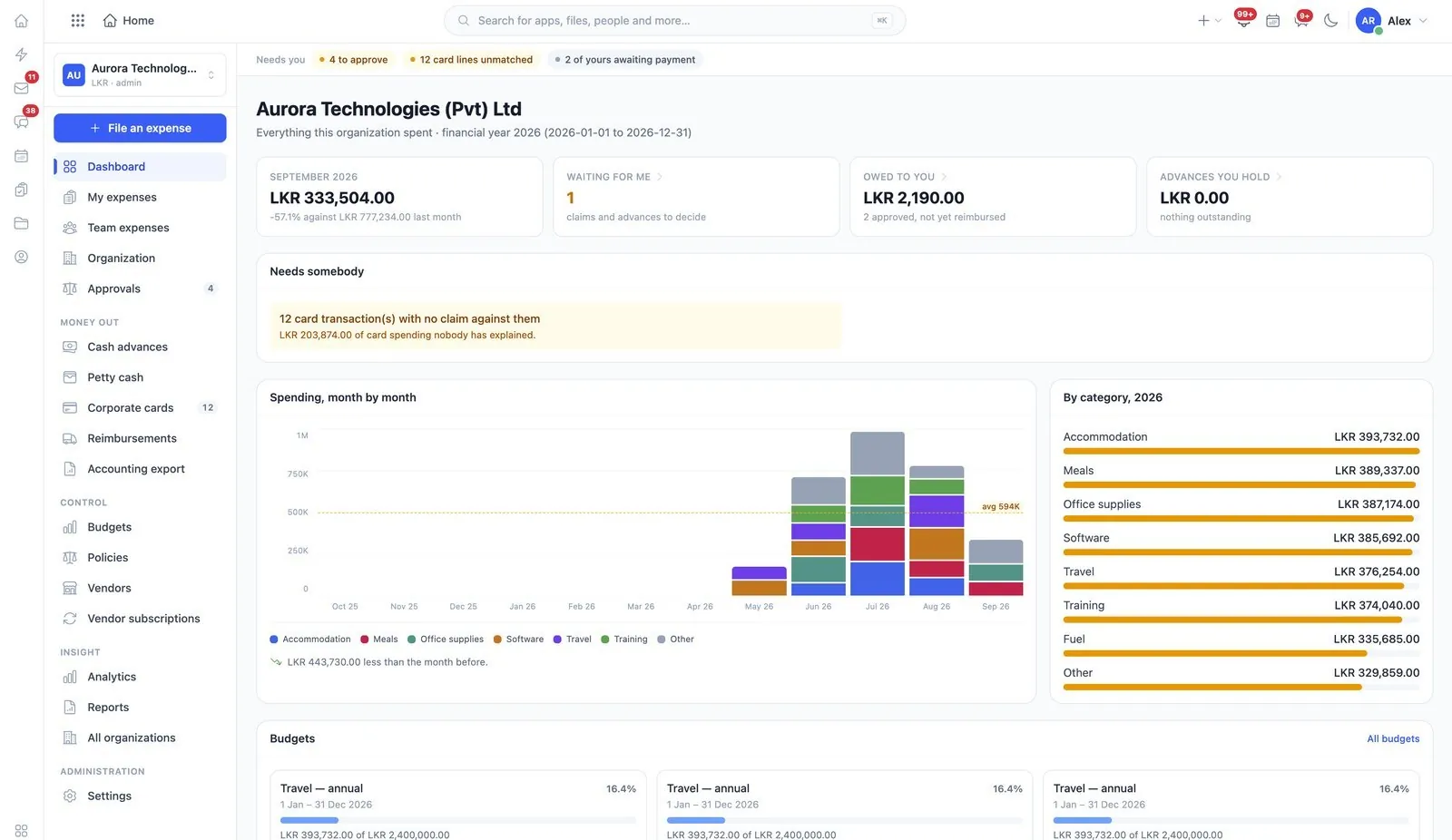
Expenses covers what staff spend, what it is charged to, and who agreed to it — from the claim someone submits through the approval, the reimbursement, and the policies that decide what is allowed in the first place.
Read the user guide expense
What it does
Expenses, in the product’s own words
- Submit and track your own expenses
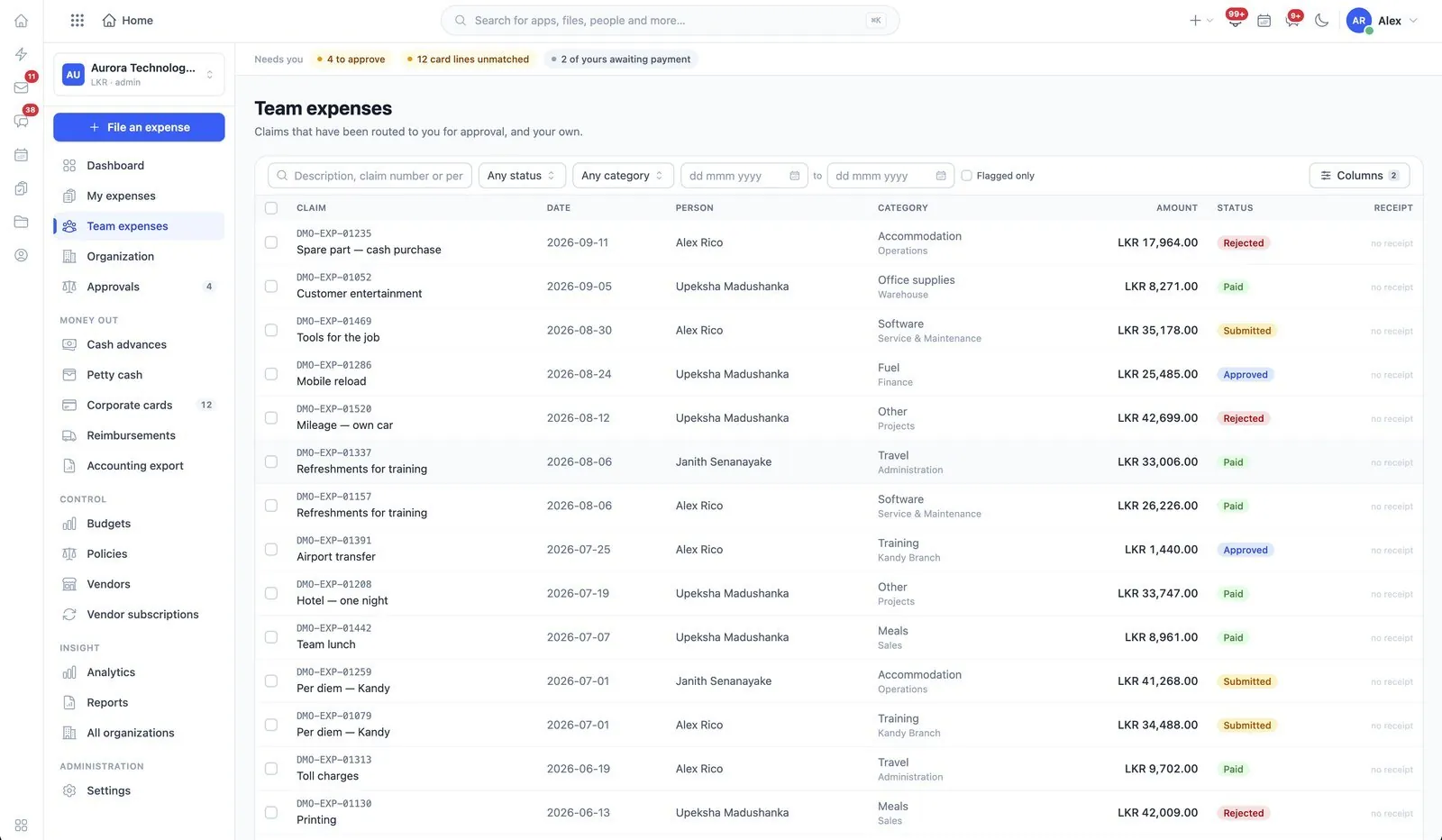
- Claims routed to an approver who decides them
- Reimburse, settle advances and record payment
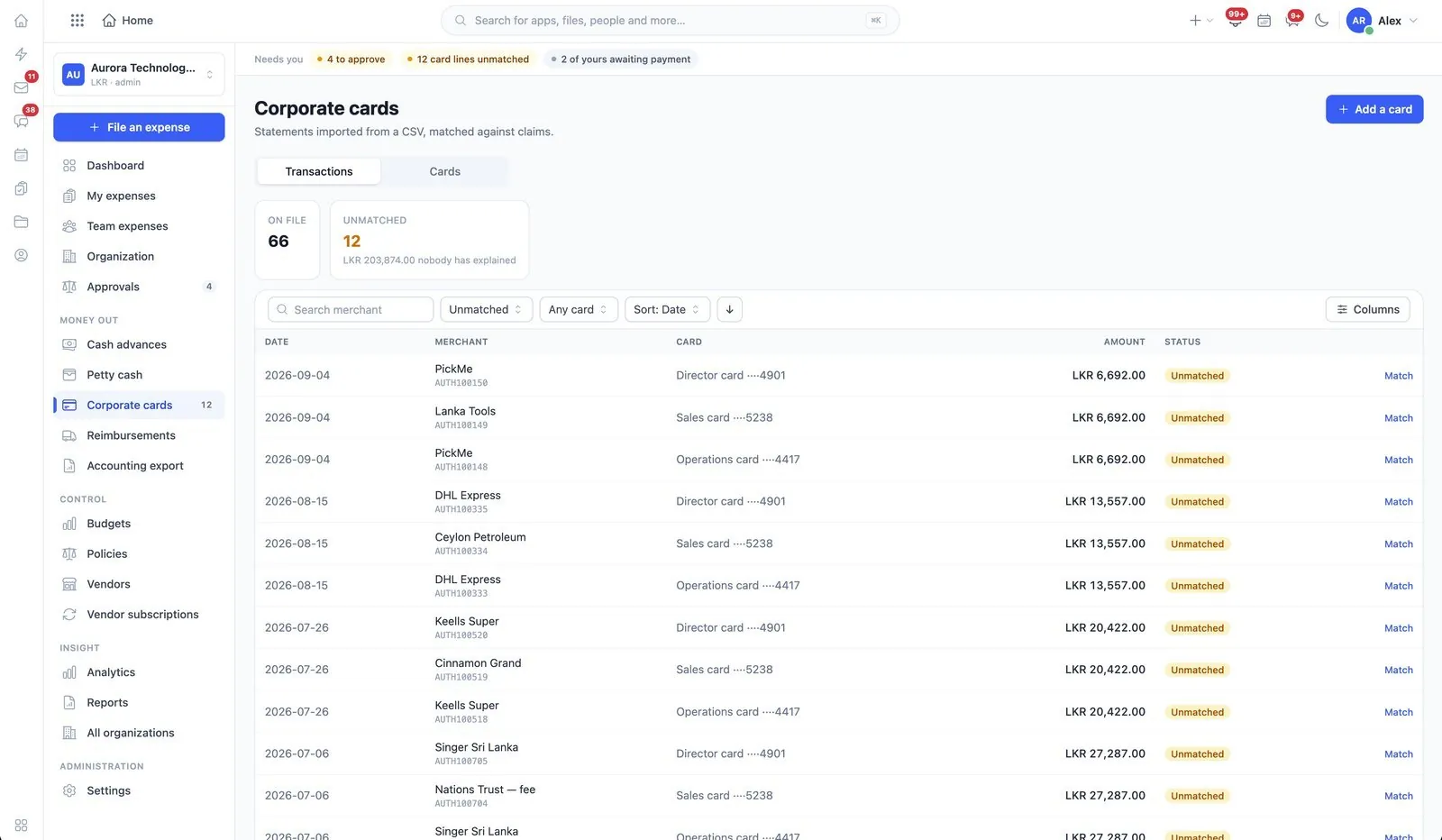
- Cost centres, cards, petty cash and categories
- Policies, budgets, approval rules and rates per organization
- Consolidated spending across every organization
Before you start
What has to be in place
- Categories and cost centres, so a claim has somewhere true to be charged.
- Approval rules and policies, per organisation. Without them every claim is a conversation.
In the user guide
6 tasks, explained
- 01Submit and track your own expenses
- 02Approve or reject a claim
- 03Reimburse, settle an advance, record payment
- 04Run cost centres, cards and petty cash
- 05Set policies, budgets, approval rules and rates
- 06See consolidated spending
More of Expenses
Works with
The same records, not a sync
Industries that start with it