Running a meeting that leaves a record
A meeting here is a business record that happens to have a call attached — the agenda it ran to, who turned up, what was decided, and what somebody has to do now. This is the whole arc, from scheduling to the actions afterwards.
When you have done this: A meeting anybody can reconstruct six months later without asking who was in it.
- 01
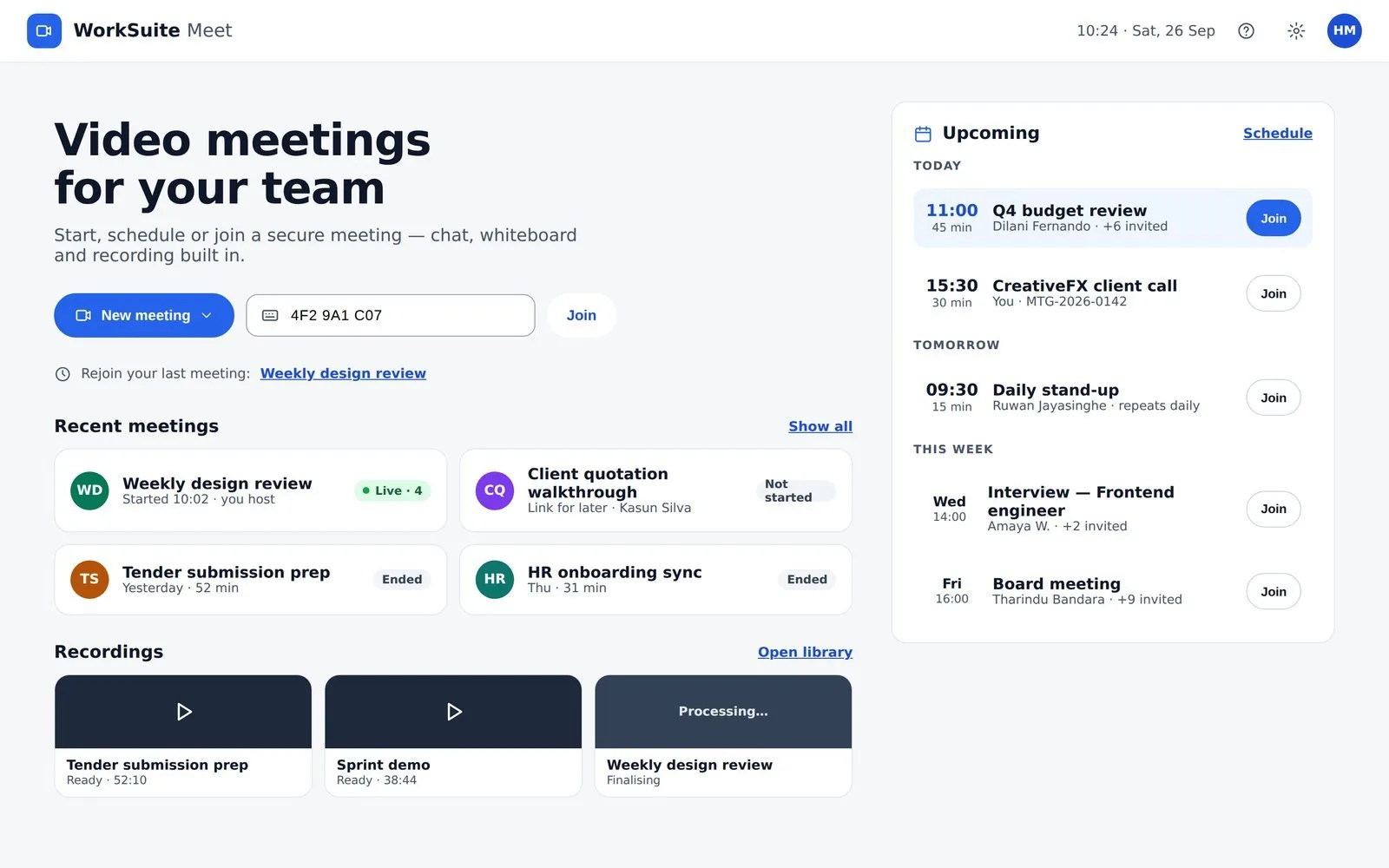
Start from the meetings screen, not the call button
Home offers a link now or a meeting for later. A link now is a conversation; a meeting for later is a record. Most things worth a calendar entry want the second.
- 02
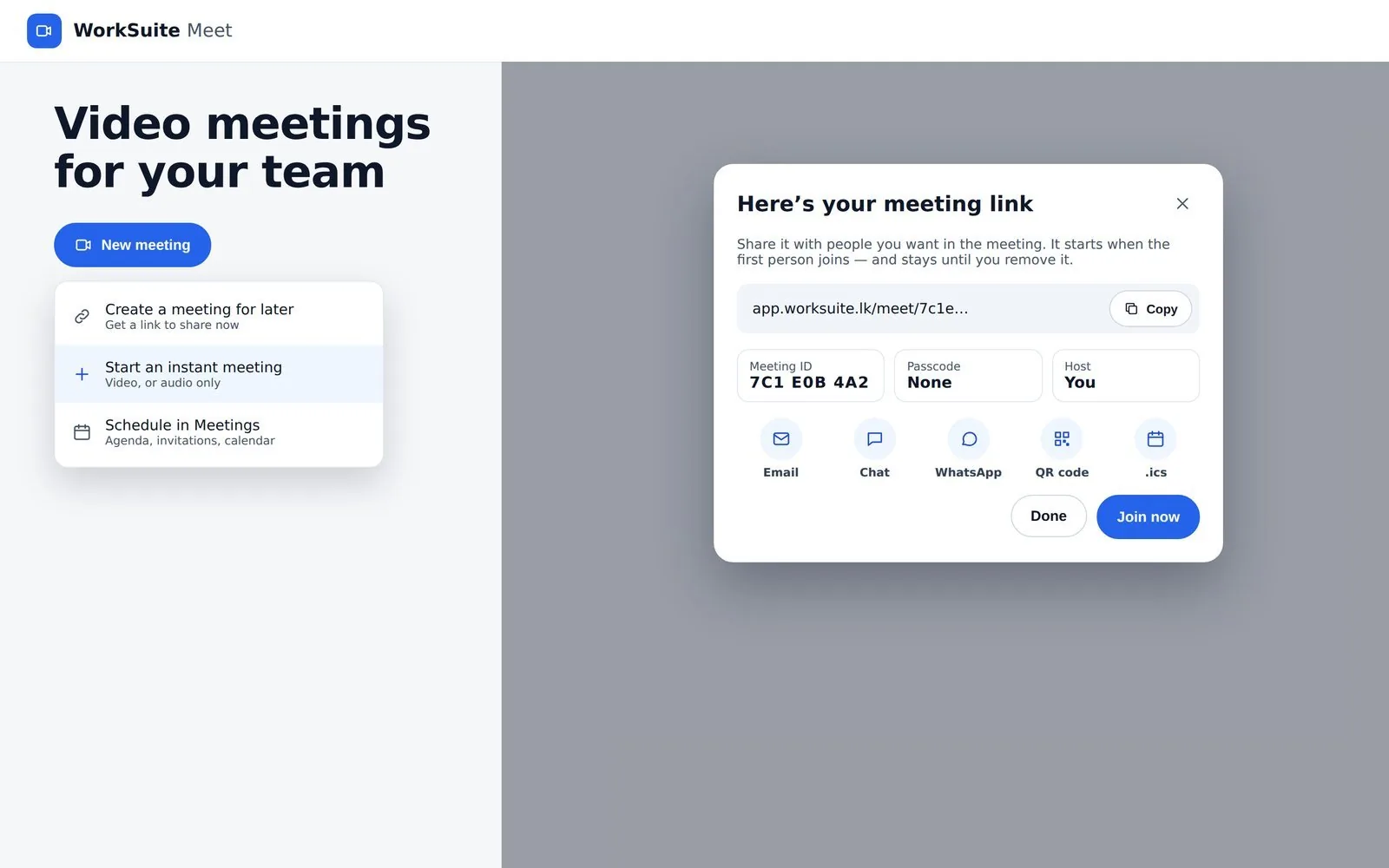
Schedule it, and say where it is
Built-in Meet, a Jitsi link made for you, or a Google Meet or Teams link you paste — plus a meeting room, a customer site, or hybrid. Rooms cannot be double-booked, which only helps if the room is modelled rather than typed into the title.
- 03
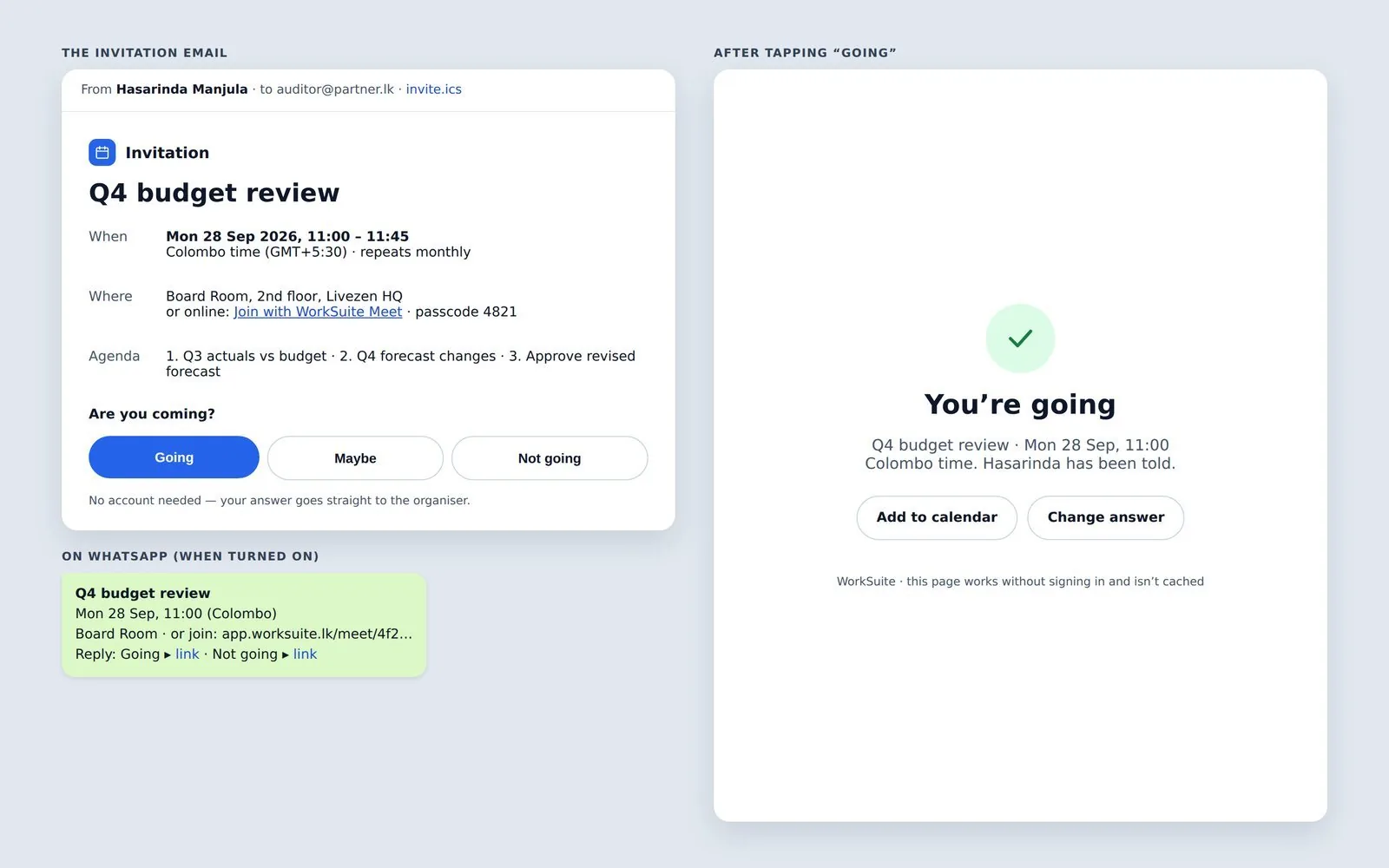
Invite people and let them answer
Participants have roles and RSVPs. The RSVP is what tells you beforehand whether the meeting is worth holding, so send the invitation early enough for the answer to be useful.
- 04
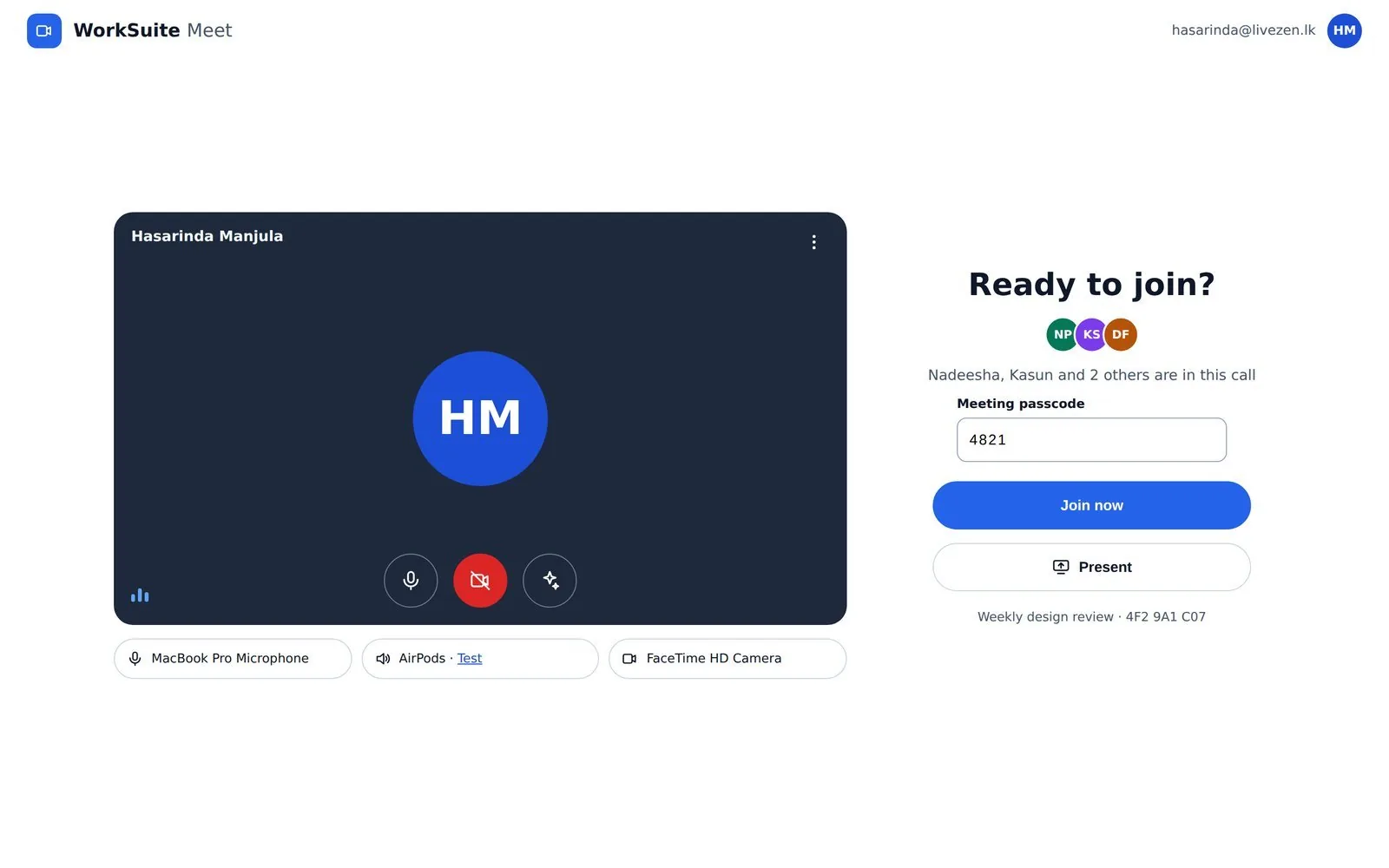
Check your microphone before anybody hears it
The pre-join screen exists so the first thirty seconds of the meeting are not about your microphone. Use it.
- 05
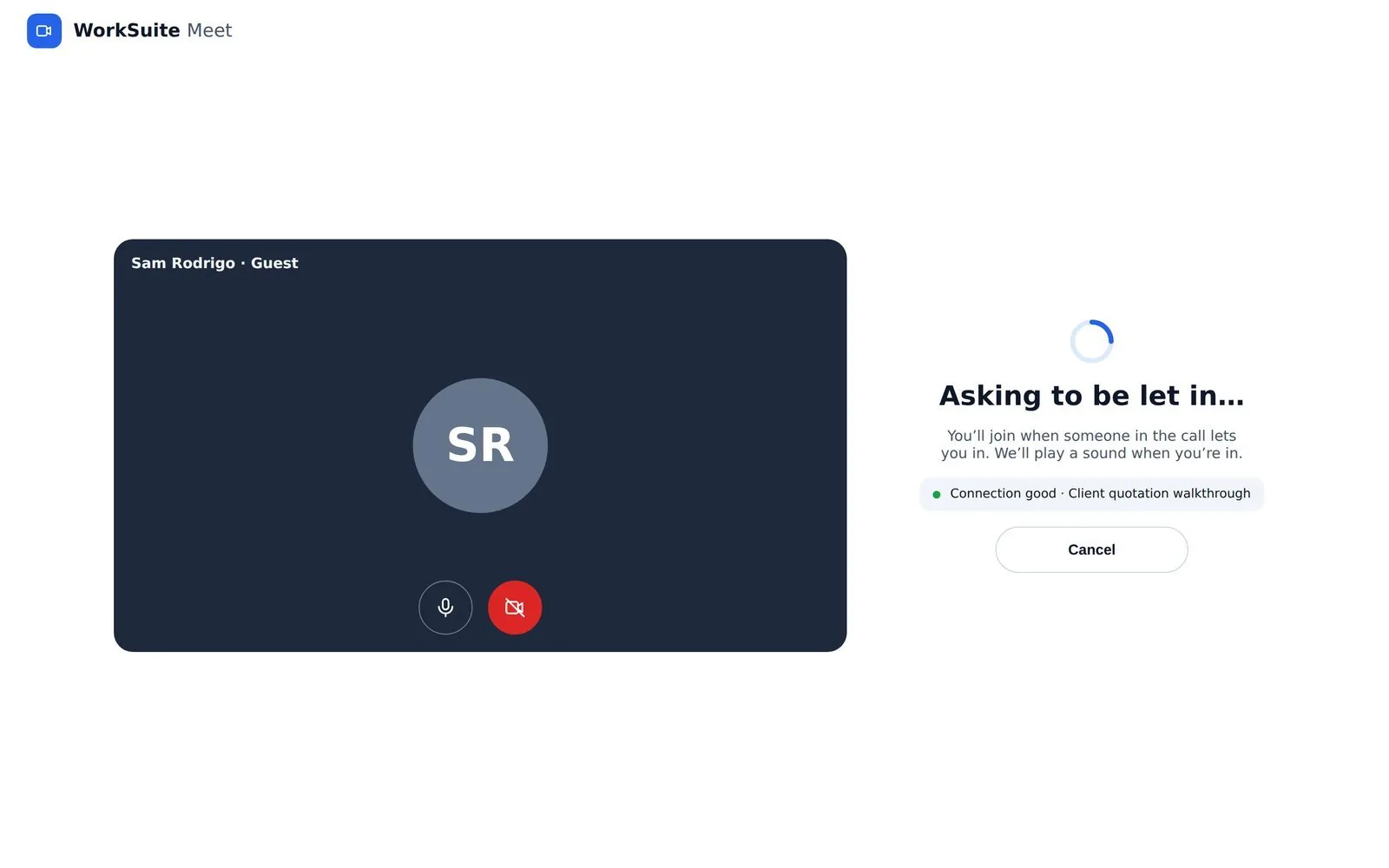
Keep the door shut
Guests join by link and wait in the lobby until somebody admits them. It is a real door, not a formality — which matters the moment a meeting link is forwarded further than you meant.
- 06
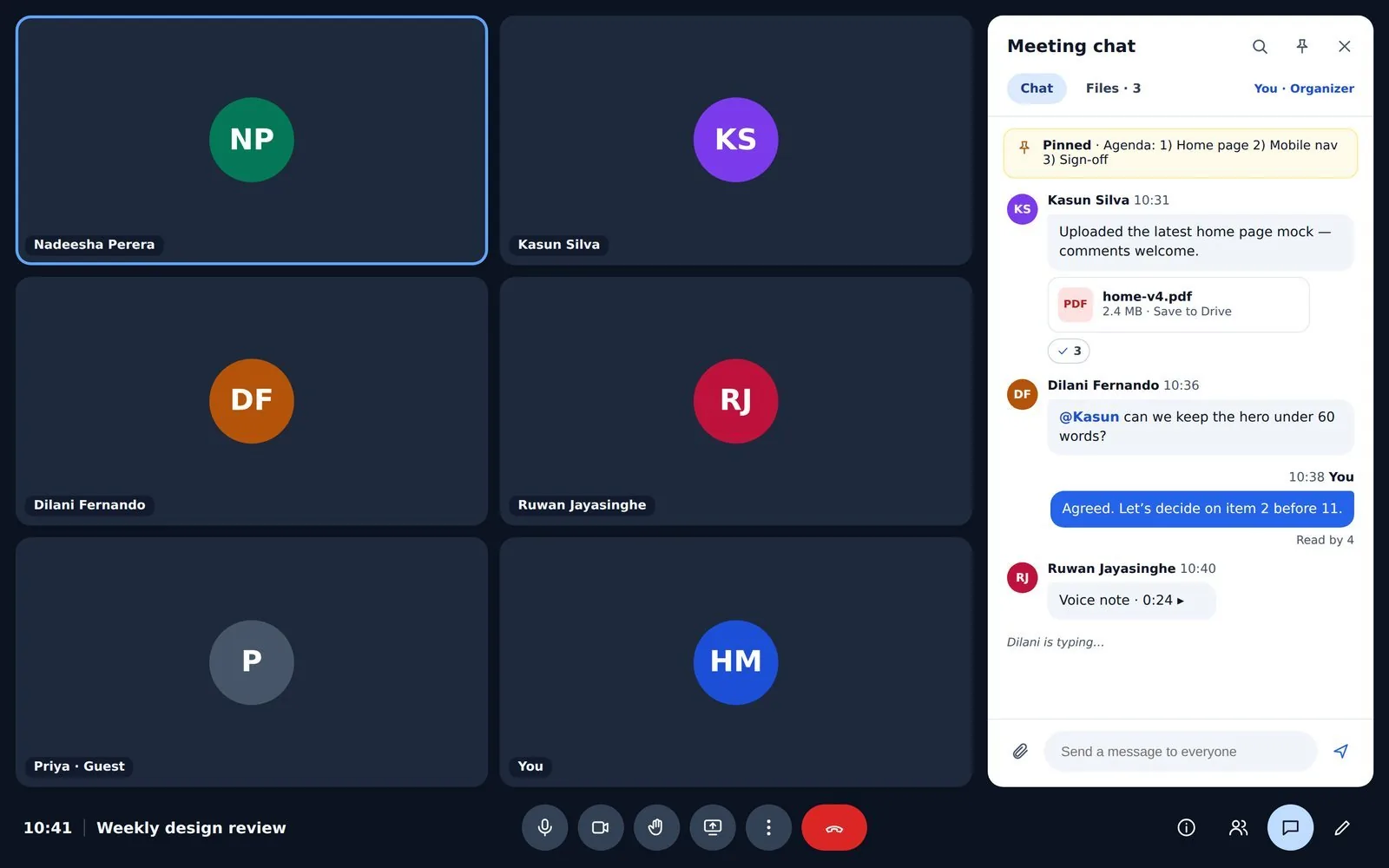
Run to the agenda
Agenda items structure the call; minutes record what was said. Write the minutes in the meeting rather than afterwards — the version written from memory on Friday is the one nobody trusts.
- 07
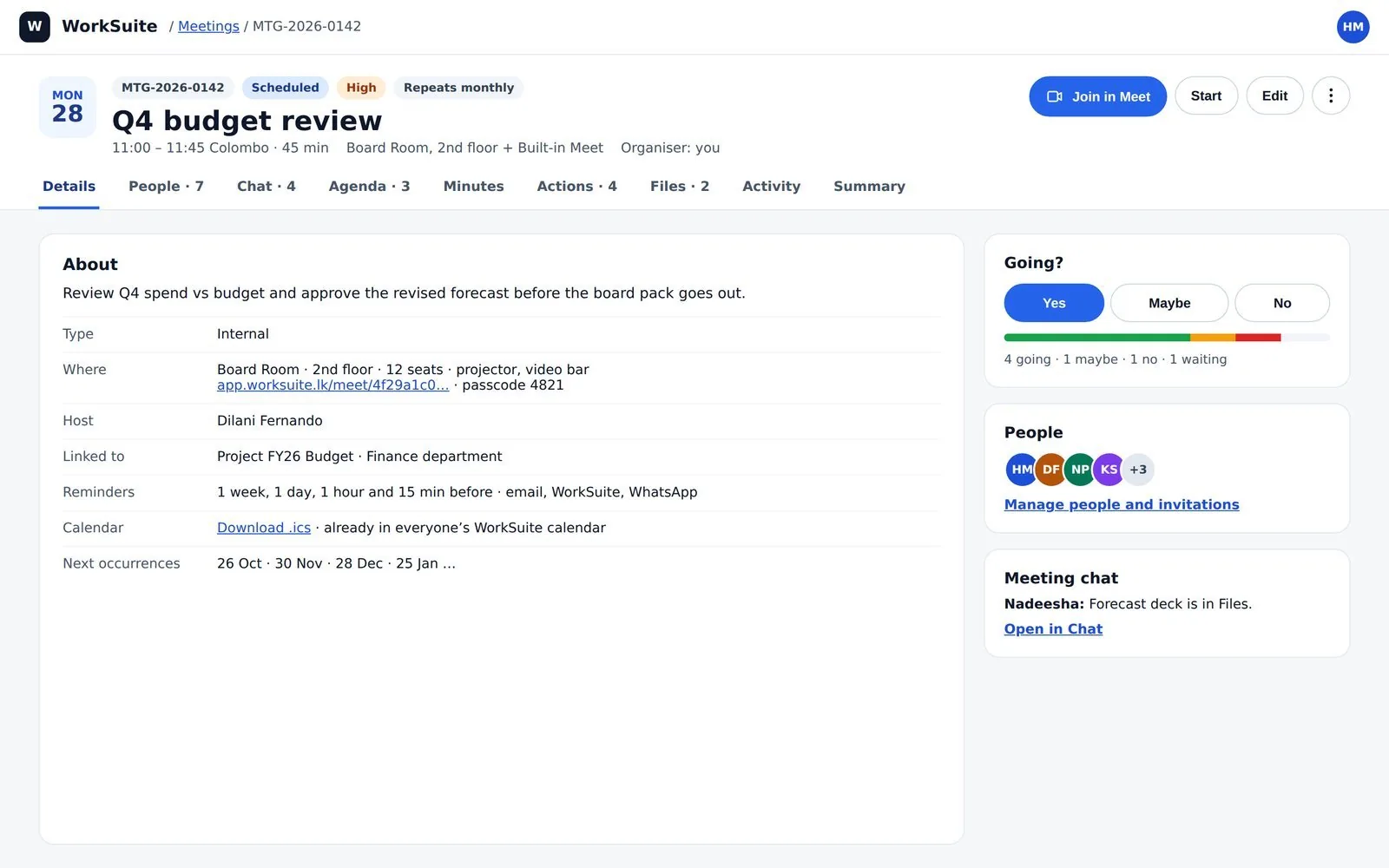
Leave actions behind
Action items are the only part of a meeting anybody looks for again. Each one needs a person and a day, or it is a sentence in a document.
- 08
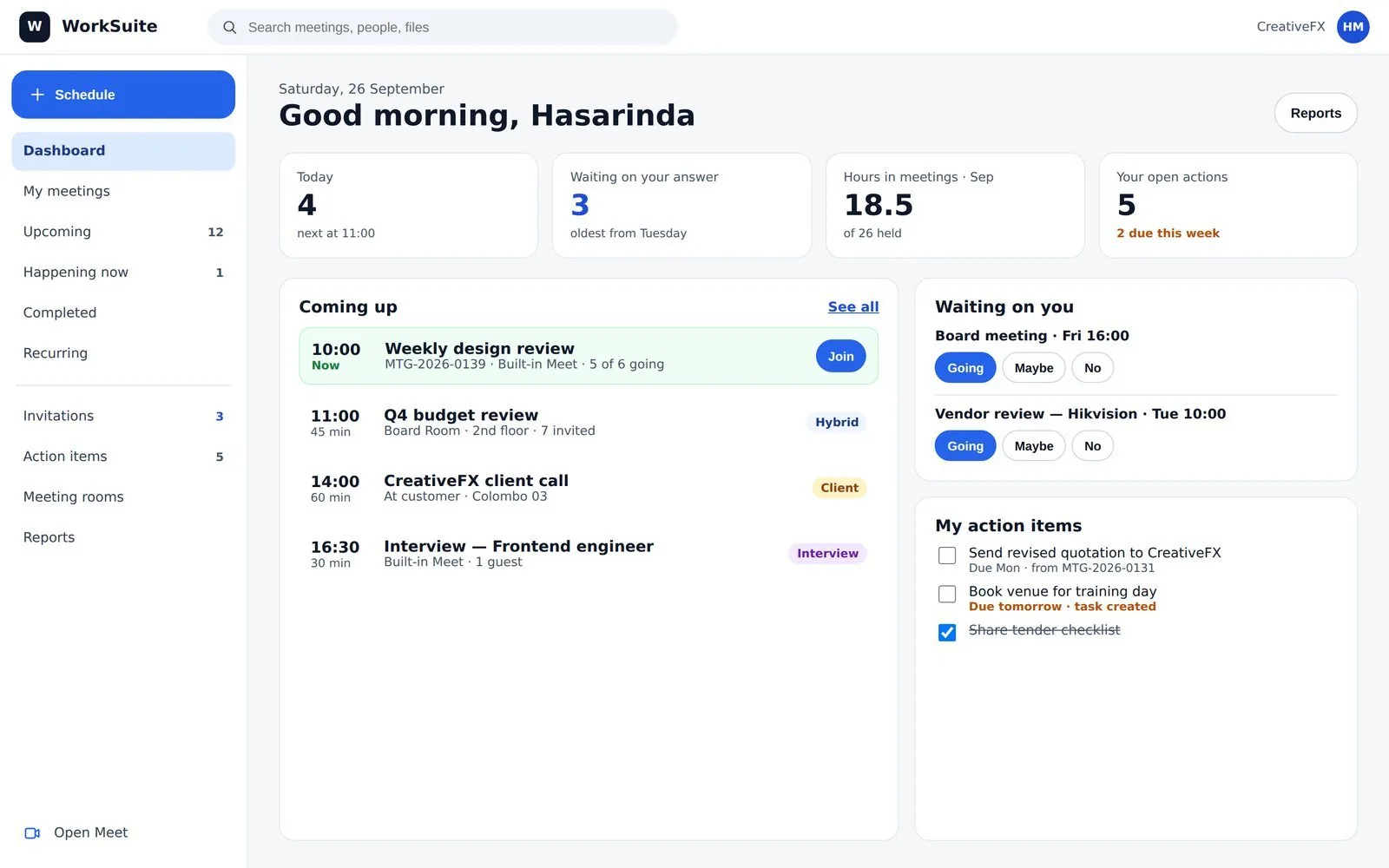
Read the follow-up, not just the diary
The dashboard separates what is coming up from what is outstanding — invitations unanswered, actions not done. The second list is the one that decides whether meetings are worth holding.
What people get wrong
- Reminders are sent once, at the offsets you set. That is deliberate — a reminder that repeats is a reminder people filter.
- A recurring meeting nobody cancels keeps booking the room. Ending the series is a real act.