Running work off one list
Tasks is the module most people touch most often: an owner, a day and a state, inside a project or standing entirely alone. This is how to keep a list that stays true for more than a fortnight.
When you have done this: A list where everything has an owner, nothing silently ages, and the board matches what is happening.
- 01
Write the task so somebody else could do it
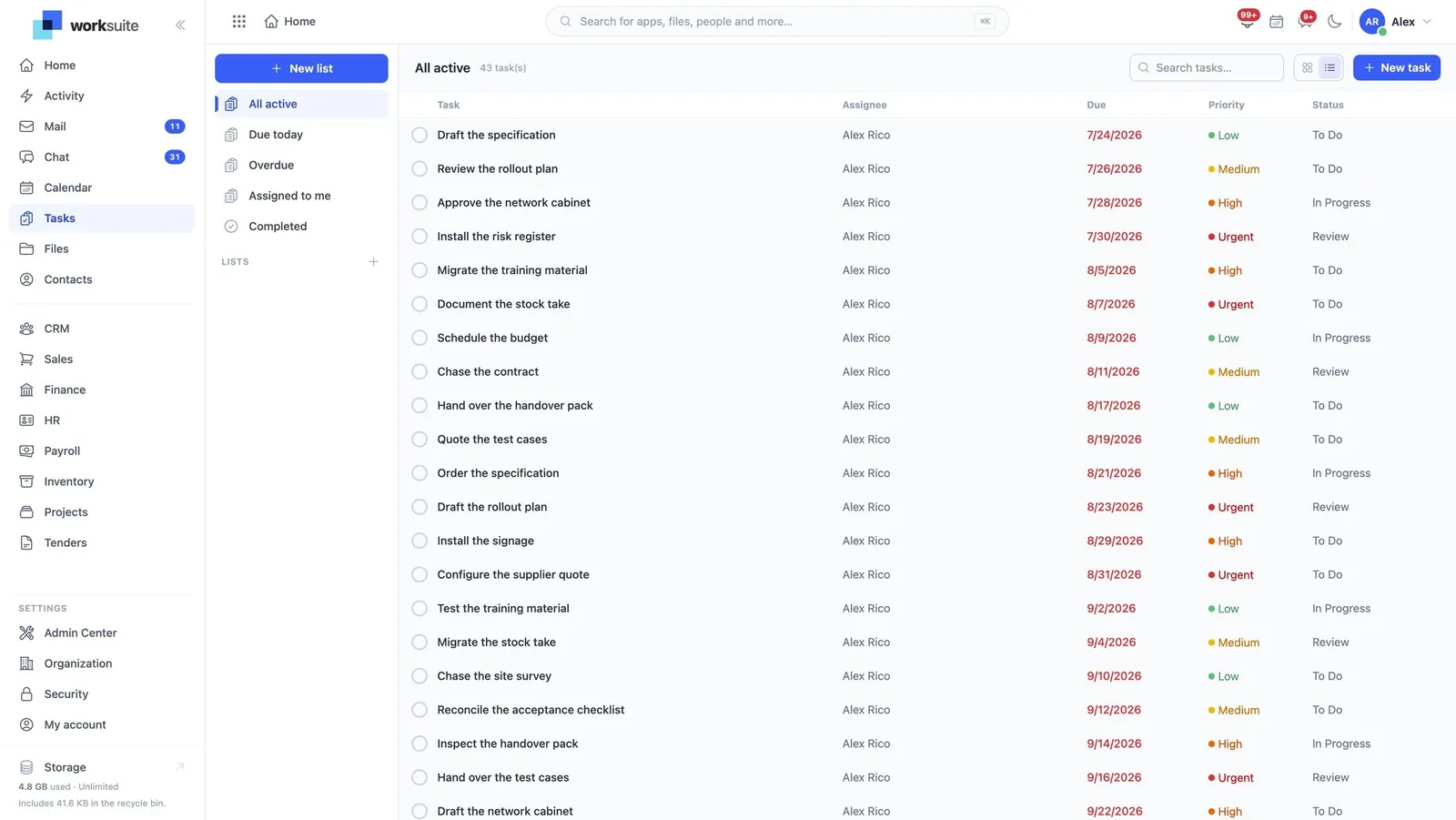
An owner, a due day and a state are the whole contract. A task with no owner belongs to nobody; a task with no due day is a note. Each one gets a reference of its own — TASK-2026-0042 — which is what you quote in a message rather than describing it again.
- 02
Choose list or board deliberately
List is for reading and sorting; board is for moving things along. The same tasks, two jobs — reviewing a backlog is list work, running a week is board work.
- 03
Use the filters instead of a private copy
Assigned to me, Due today, Overdue, All active, Backlog, Completed, Cancelled. The moment somebody starts keeping their own list beside this one, the shared list stops being true — and these filters are what stop that happening.
- 04
Let the state mean something
To Do, In Progress, Review, Changes Requested, On Hold, Completed, Cancelled. Review and Changes Requested are the pair that earn their keep: they are the difference between "waiting on me" and "waiting on you", which is what most status meetings exist to establish.
- 05
Break it down with a checklist
A checklist inside the task keeps the sub-steps where the work is, rather than spawning five tasks that all have to be closed. The progress you see on the card comes from it.
- 06
Attach it to a project, or do not
Standalone tasks are first-class here. Not everything that has to be done is billable work, and forcing it into a project to be tracked is exactly how people end up keeping that private list.
- 07
Look for it on the calendar
Tasks appear on the calendar beside meetings and events, so the day is one picture. A task is due on a day rather than at an instant, which is why it reads as the whole day rather than a slot.
What people get wrong
- Overdue is not a state, it is a fact about a date. A list with forty overdue tasks has forty tasks nobody has decided about — reschedule or cancel them rather than letting the count grow.
- Priority is a comparison, not a description. If everything is Urgent, nothing is.