Reading the day properly
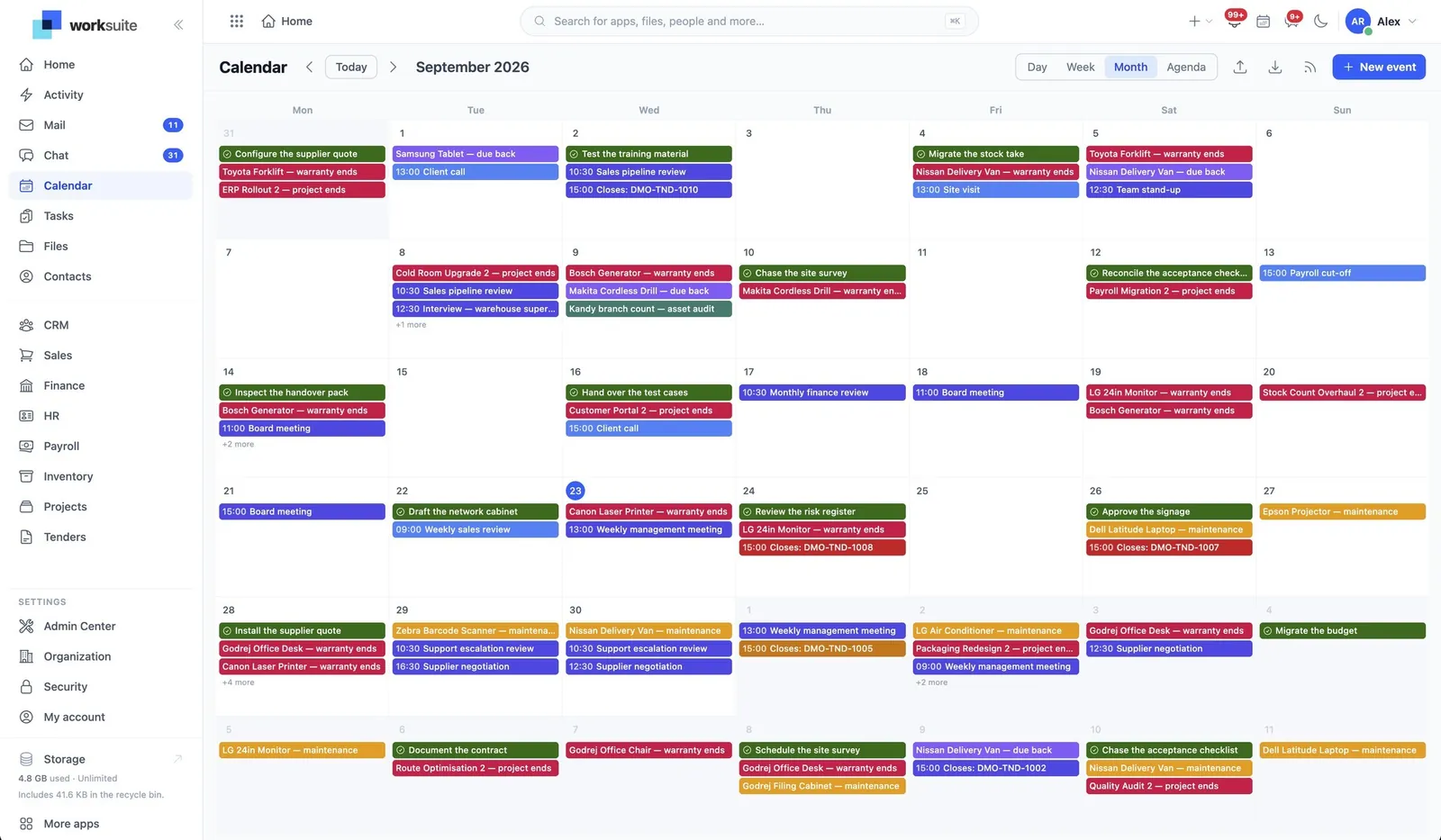
Calendar projects meetings, tasks and events onto one grid, on the clock of whoever is reading it. This is how to read it without double-booking yourself between a meeting and a deadline.
When you have done this: One diary you trust, with your own entries on it and the things other modules put there.
- 01
Pick the granularity for the question
Day, week, month and agenda are four answers to different questions: what is next, what is this week, when is there a gap, and what is coming without the empty space between. Agenda is the one to read on a phone.
- 02
Know what each entry is
A meeting happens at an instant. A task is due on a day. They sit on the same grid and they do not mean the same kind of time — which is why a task that says Friday means Friday where you are, and a meeting at 09:00 means the same moment everywhere.
- 03
Add an event
New event is for the things that are neither a meeting nor a task: the deadline, the delivery, the day somebody is away. If it needs people to attend, schedule a meeting instead so the RSVPs and the room come with it.
- 04
Get back to now
Jump to today. Worth learning early — it is the control people look for after scrolling three months ahead and losing their place.
- 05
Bring an outside diary in, or take this one out
Import .ics loads a calendar file; Export .ics writes one. Subscribing from Google, Apple or Outlook keeps an outside application in step rather than copying the entries into it once.
What people get wrong
- A subscription is a read of this calendar from elsewhere, not a merge. Entries made in the other application do not come back here.
- Times are held in UTC with the booked timezone recorded, so a meeting booked in Colombo reads correctly in London. What you see is your clock, not the organiser’s.